Select Build Action
When you have selected the components that you want to build, select the build action to be followed by the build manager when processing the buildspec.
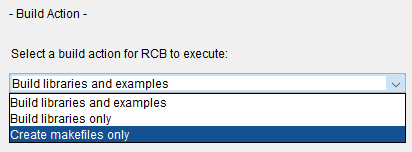
Three choices are available:
Build libraries and examples
Build all selected components.
Build libraries only
Produce makefiles for the libraries and examples selected in the component tree, but only build the libraries. This option lets you build the examples on your own by typing make (or nmake) in the appropriate directory.
Create makefiles only
Stop after creating the makefiles. This option supports situations where you want to invoke make (or nmake) on the makefile from the command line.
For more information, see Executing a Buildspec from the Command Line.