Dialog Definition
The Dialog Definition workspace allows you to define dialog box properties. The dialog box must first be defined in Views Studio.
The Dialog Definition workspace has the following tabs:
-
Description tab contains basic information about the dialog box.
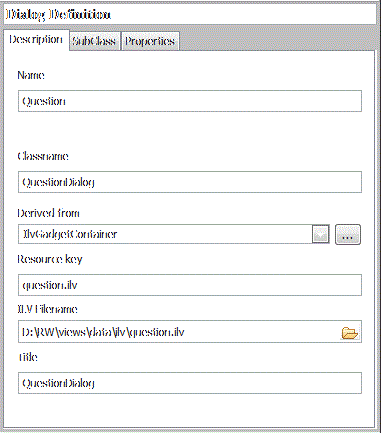
‘Description’ Tab of Dialog Definition
Name: This name is by default the name of the .ilv file, for example Question when the file loaded is question.ilv.
Classname: This name is by default the Name and the word Dialog, for example QuestionDialog. This name will be used during the code generation.
Derived From: The Views class from which the dialog is derived. Select from the list.
Resource Key: The name of the resource used to reread this file, by default the .ilv file name.
ILV Filename: The full path name of the .ilv file that was loaded.
Title: The title that appears in the Windows title bar. By default it is the Classname.
-
Subclass tab contains the name of the dialog’s subclass. This entry is optional.
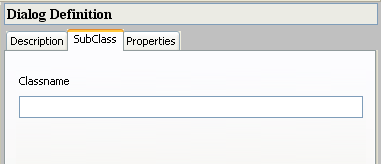
‘SubClass’ Tab of Dialog Definition
-
Properties tab allows you to specify standard properties of the dialog box. Choose any or all of these properties.
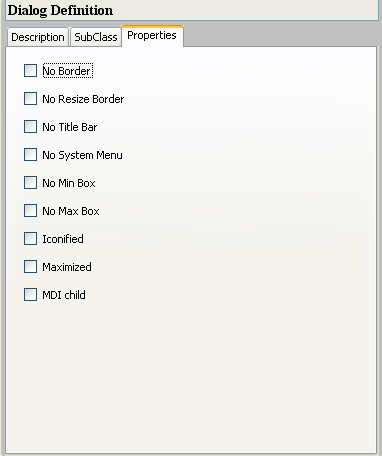
‘Properties’ Tab of Dialog Definition


