The board sprint view shows all items in the sprint separated into lanes based on their current status.
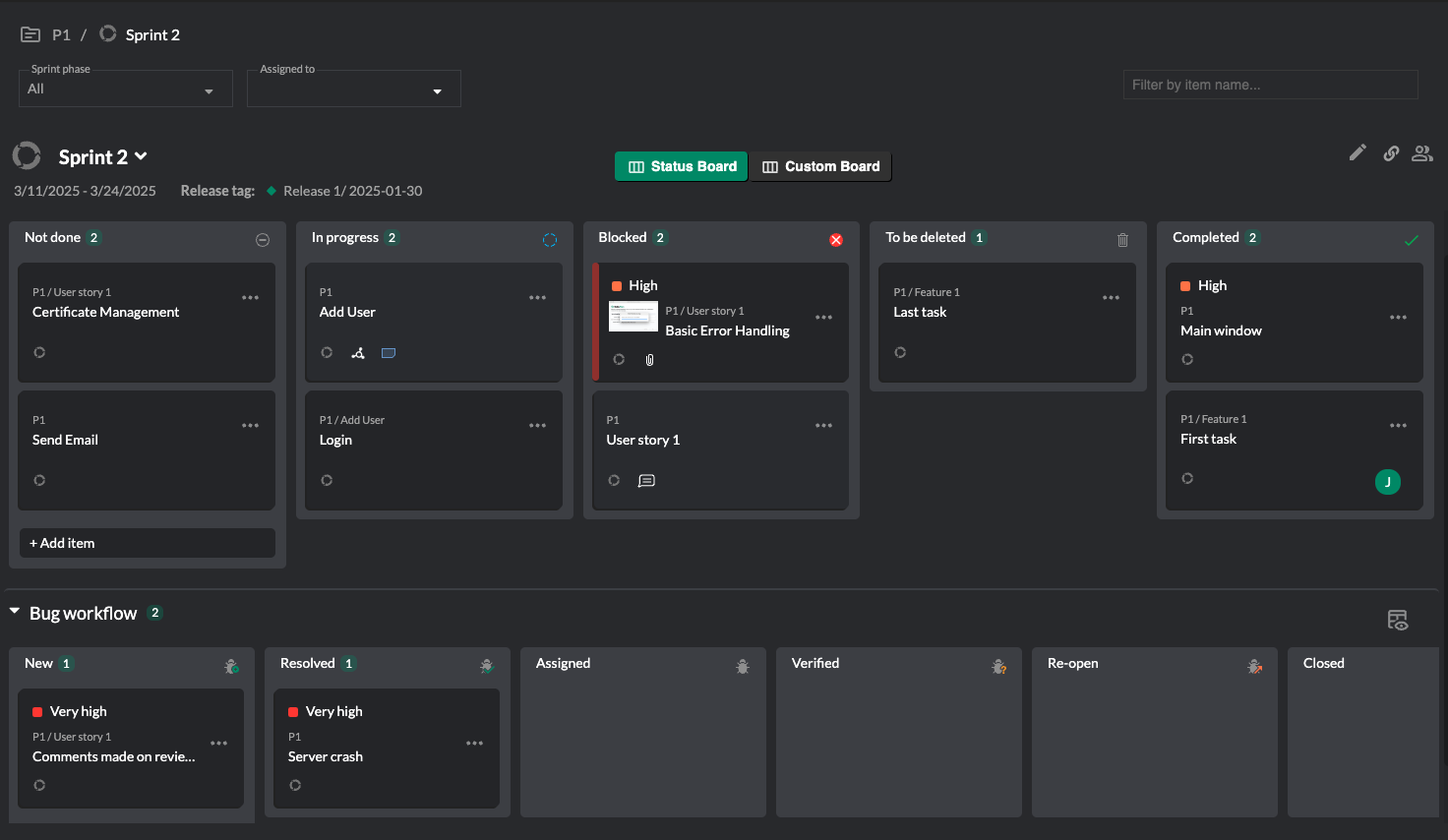
In this view, you can do the following:
- Move items between lanes by selecting and dragging them.
- View an item's details by selecting on its title. This opens the item details in the sidebar.
- Create a new item by selecting Add item underneath the lane where you want to add it.
If the sprint has a custom layout, you will be able to view this by selecting the Custom Board option. Custom layouts can only be created in the desktop app.