You can add comments to items to provide additional information. You can also reply to comments added by other team members.
1. Select the item description in the To Do List or To Do Board.
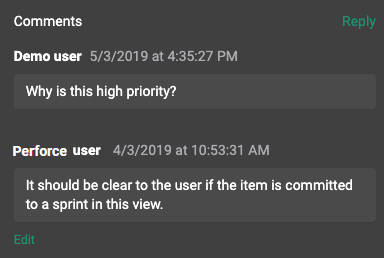
The item opens. Comments already added to the item are displayed in the Comments area.
2. If the item does not have any comments and you want to add one, select New comment. Enter your comments and select Post.
Use the formatting toolbar to format the text and add links.
You can mention other users in the same project in comments. Users you mention receive an email notification when your comments if email is configured for the project. To mention a user in a comment, enter '@' followed by the user's name. For example, @Sam Smith.
3. If the item already has comments and you want to add one, select Reply. Enter your comments and select Post.
To edit a comment you already added, select Edit, make any changes, and select Post.