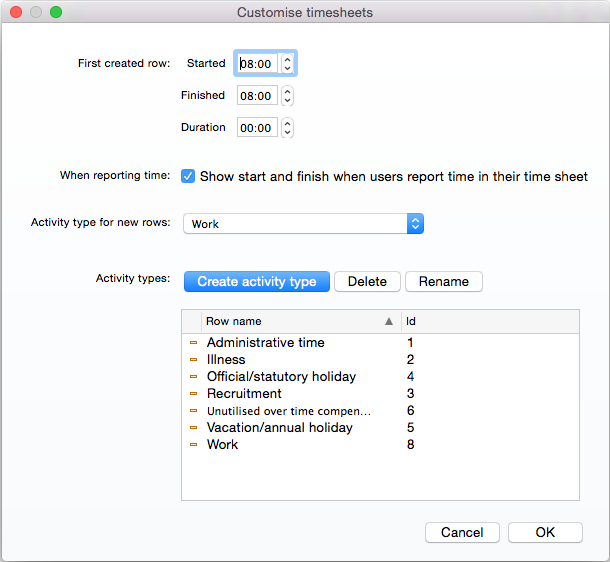
You can customise timesheets, including setting the default working hours, which item types should be used for newly created rows, and defining which item types are used.
1. Select Admin.
The Admin area opens.
2. Open either the Projects or Users tab.
3. Select More > Customise timesheets.
The Customise timesheet dialog appears.
4. Make any changes to the default timesheet settings.
5. Select OK to save changes.