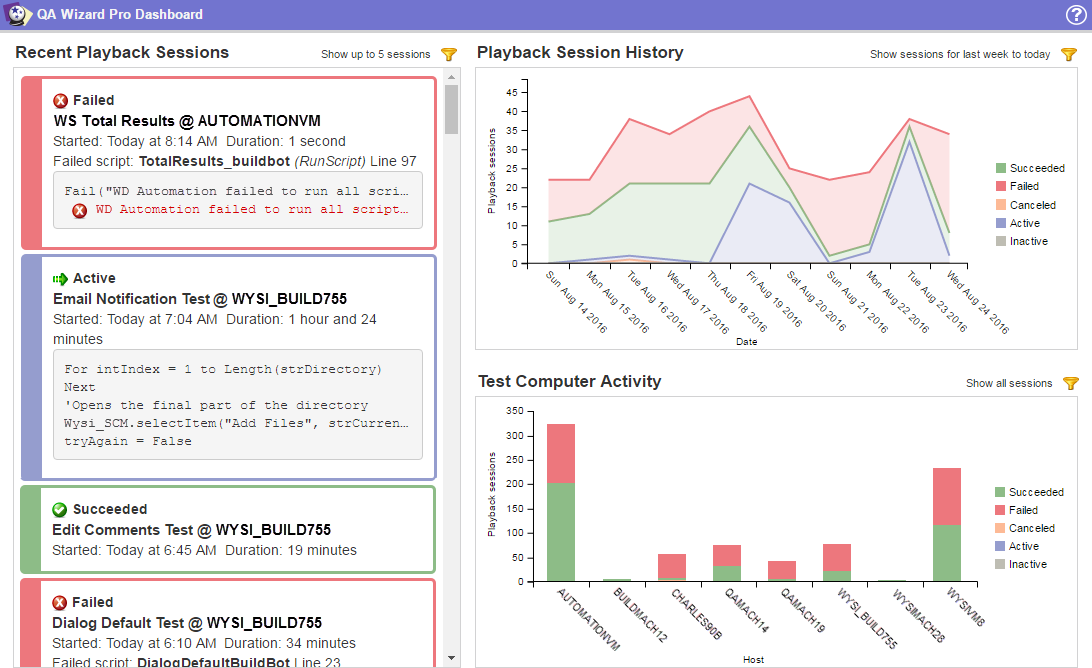
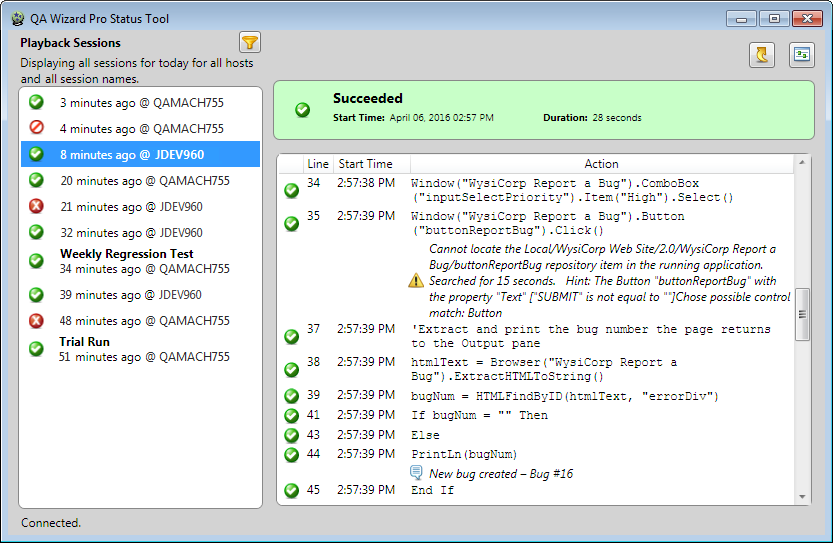
You can monitor local and remote script playback in real-time using the QA Wizard Pro dashboard and status tool.
Dashboard
Use the dashboard to see an overview of the most recent playback sessions and statistics about your automated tests in a web browser. It can help you identify failed scripts that need closer review and determine if adequate testing is complete for an upcoming release.
Status tool
Use the status tool to review playback information line-by-line. It can help you trace script lines that ran before warnings and errors occurred and provide details to share with developers when reporting issues in builds.
    |

|