Callbacks
The behavior of a gadget can be customized by defining a callback function and attaching this function to one of the callback types that the gadget is able to trigger.
At the bottom of the Views Studio main window, you will find a callback field that lets you define the primary callback
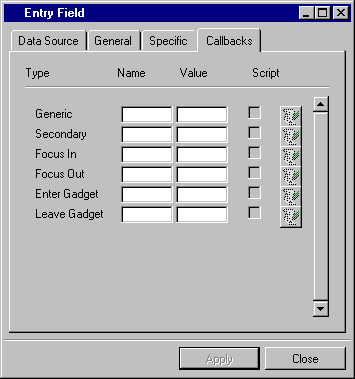
Note that a check box lets you choose whether the callback is coded in Script or C++.
The callback types that are supported by each gadget class are described in the Views and Data Access Reference Manuals. Additional information for classes specific to Data Access can be found in the rest of this manual.