Using Matrices
Use the Matrix mode to change items in your IlvMatrix or IlvSheet objects as well as in their respective inspector panels that let you edit their general properties.
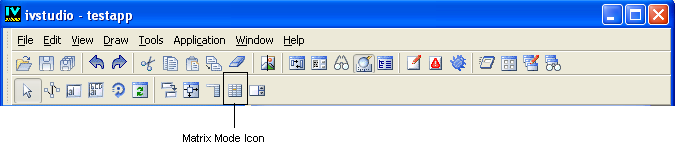
Matrix Mode Icon
In Matrix mode, you can adjust the width of individual columns.
To resize a column:
-
Hover your mouse over the vertical grid line of the column.
-
Click and drag the line to the desired width.
Column resizing depends on whether the matrix size is fixed or flexible
-
Fixed-size matrix: Only internal vertical grid lines can be dragged. Resizing one column automatically adjusts the others, following the same logic as changes made in the Dimensions tab.
-
Flexible-size matrix: All vertical grid lines except the first can be moved, allowing the overall matrix size to change.
The minimal size of a column is set to 5 pixels.