Designer for JViews Gantt
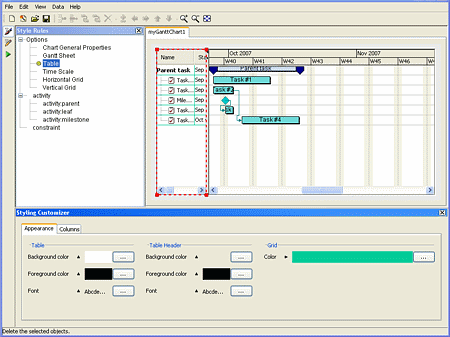
The Designer for JViews Gantt is a complete authoring tool for creating and configuring interactive charts.
The main advantage is its simplicity and usability: in a few mouse clicks you can create and customize your charts through an intuitive and easy-to-use interface. The end result of an editing session is a project file. Further customizations are possible by using the JViews Gantt SDK.
Running the Designer
On Windows
-
The Designer can be launched from the Start menu.
-
The Designer is also available in the <installdir>/jviews-gantt/bin/designer directory. To run it from there, navigate to this directory and double-click run.bat or run.sh.
-
If you are running Internet Explorer®, you can also double-click the run.bat script in this directory.
On UNIX
-
The Designer software is available in the <installdir>/jviews-gantt/bin/designer directory. Make sure your PATH environment variable is set correctly to find this directory. Then enter run.sh.


