Chapter 6 Customizable Toolbars
Overview
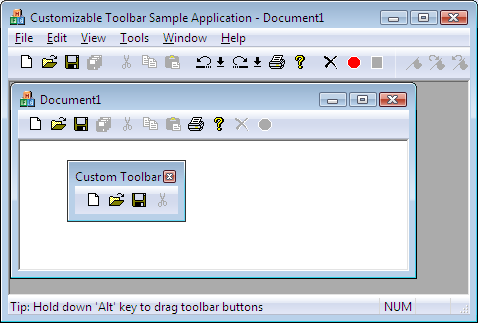
The customizable toolbar classes extend traditional toolbars by allowing the user to drag-and-drop toolbar buttons onto custom toolbar configurations. These classes also implement the cool toolbar look-and-feel found in Microsoft’s Visual Studio.
Example of Customizable Toolbars with the Cool Look
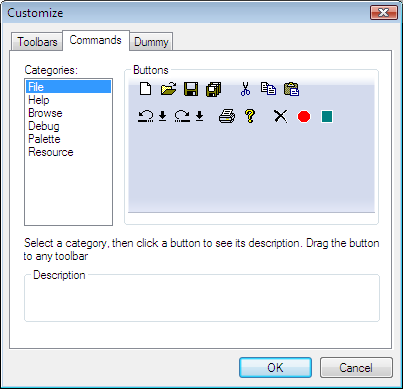
The toolbar classes also provide dialogs that you can use to customize toolbars dynamically. Sometimes the toolbars on the desktop do not contain every button available. An end-user can use these dynamic dialogs to move buttons on and off the toolbars via drag-and-drop.
Example Toolbar Customization Property Sheet