




The MDIApp sample uses Objective Edit in a standard AppWizard-generated MDI application.
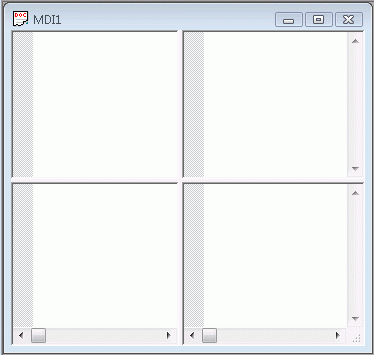
The CMyEdit class in this sample demonstrates how to customize the syntax coloring logic for non-standard cases. In this sample, the overridden logic for HTML syntax follows these rules:
The open and close brackets for HTML tags should be colored with the "Tag Delimiter" color. Other brackets not part of HTML tags should not be colored.
Keywords and quotes will only be colored if they are within a valid HTML tag.
To this end, the overridden ColorToken() method does a preliminary check to see if we are editing an HTML file and if the requested token falls within an HTML tag. The IsBodyText() method is called. This tests to see if the token falls outside a proper HTML tag. The helper methods FindPreceedingBracket() and FindNextBracket() are the search methods for determining the location of valid HTML tags. If the IsBodyText() method returns FALSE, then we proceed with syntax coloring by calling the base class version of ColorToken().
Other languages that implement positionally sensitive syntax can be handled in a similar fashion. Such cases include "Rem" tags in Visual Basic and column dependant comment starts in COBOL.
This sample shows how to have several different highlighting types and a sample of how to determine the proper file type when loading and saving files. See CMDIApp::InitInstance(), CMDIDoc::OnOpenDocument() and CMDIDoc::OnSaveDocument().
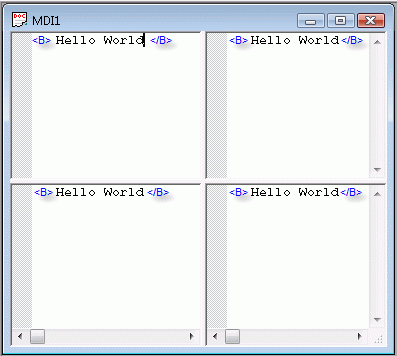
CMyController has a DoInsertChar() override that is called by the OnChar() handler whenever a character is typed. If a multibyte character is typed, OnChar() will queue the first byte and send the complete character to DoInsertChar(). The DoInsertChar() override contains code that checks for a period being typed. If a period is typed, the word previous to the period is printed to the debug window, and the context menu is displayed at the point just after the period, where an IntelliSense-style popup would go.
Use this as a starting point for implementing IntelliSense-like features to your application.
An example of customizing and extending the default context menu is demonstrated in CMyController::ExtendContextMenu(). Note that this function signature is now BOOL ExtendContextMenu(CMenu &top, CMenu &popup).
Look in CMDIView::SetPagination() to see an example of implementing custom page breaks. MDIApp has handlers to accommodate and draw a mark in the gutter for ItemData flag 0, and will implement a page break when printing after each line that has ItemData flag 0 set.
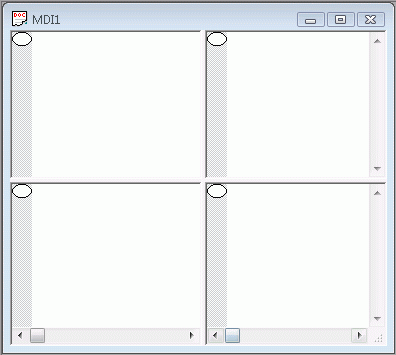
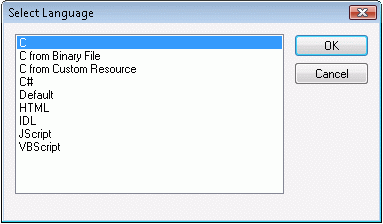
See CMDIApp::OnInitInstance() to see how to register languages from sources other than an .ini file. Objective Edit can read language definitions from a custom embedded resource:


Copyright © Rogue Wave Software, Inc. All Rights Reserved.
The Rogue Wave name and logo, and Stingray, are registered trademarks of Rogue Wave Software. All other trademarks are the property of their respective owners.
Provide feedback to Rogue Wave about its documentation.