Selecting View > Perforce QAC Analysis Explorer Window displays the Perforce QAC Analysis Explorer.
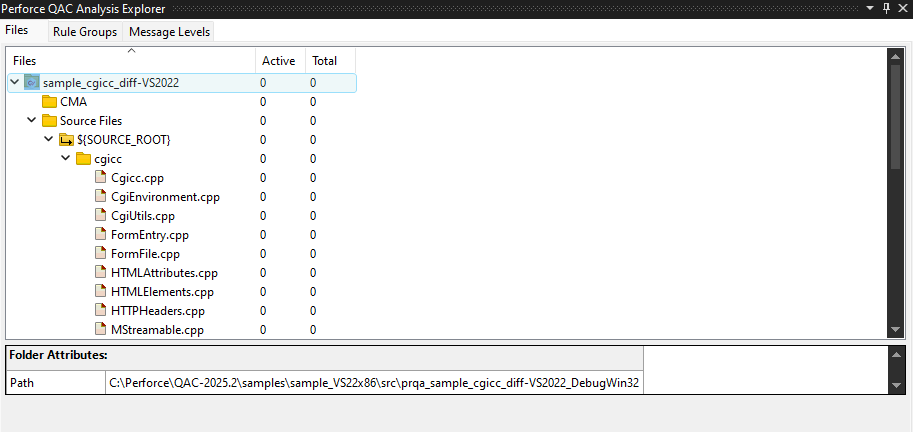
Selecting files in the Files panel filters the results displayed in the Rule Groups and Message Levels panels so that only the diagnostics for the selected files are displayed in those panels. When you click on different files in the Files panel, the results in the other two panels are automatically updated.
For more information on managing the options for the files in this panel, refer to File Attributes and Analysis Options Per File.