Track local changes
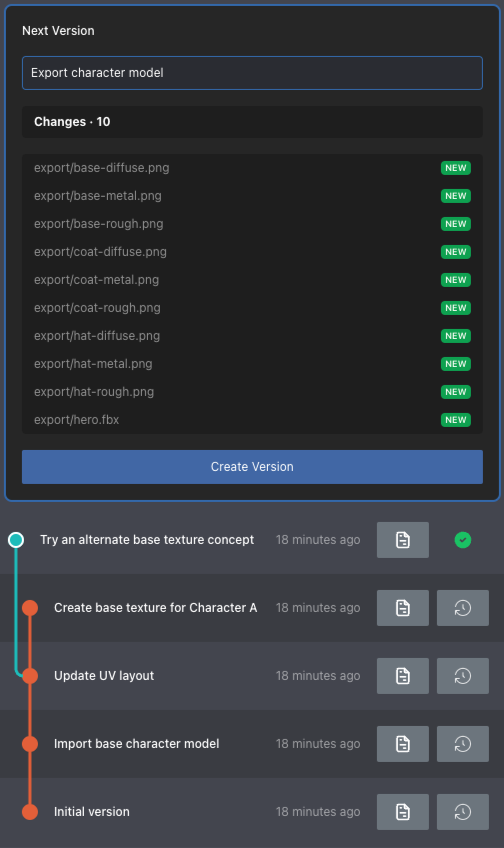
When versioning files locally, you can choose which files and folders to track. Tracking only the files that matter reduces unnecessary processing in large projects. This results in smoother iteration, faster feedback, and more efficient use of system resources.
On this page:
Track local changes in a new workspace
When you create a workspace, P4 One does not track any files by default. Before making any changes, click Track Changes in the changes pane to select the files to version locally. You can also drag files or directories to track into the changes pane.
Track local changes in an existing workspace
When working in an existing workspace, drag files or directories to track into the changes pane to start tracking them.
View tracked files
Tracked files are shown in the changes pane.