LibreOffice
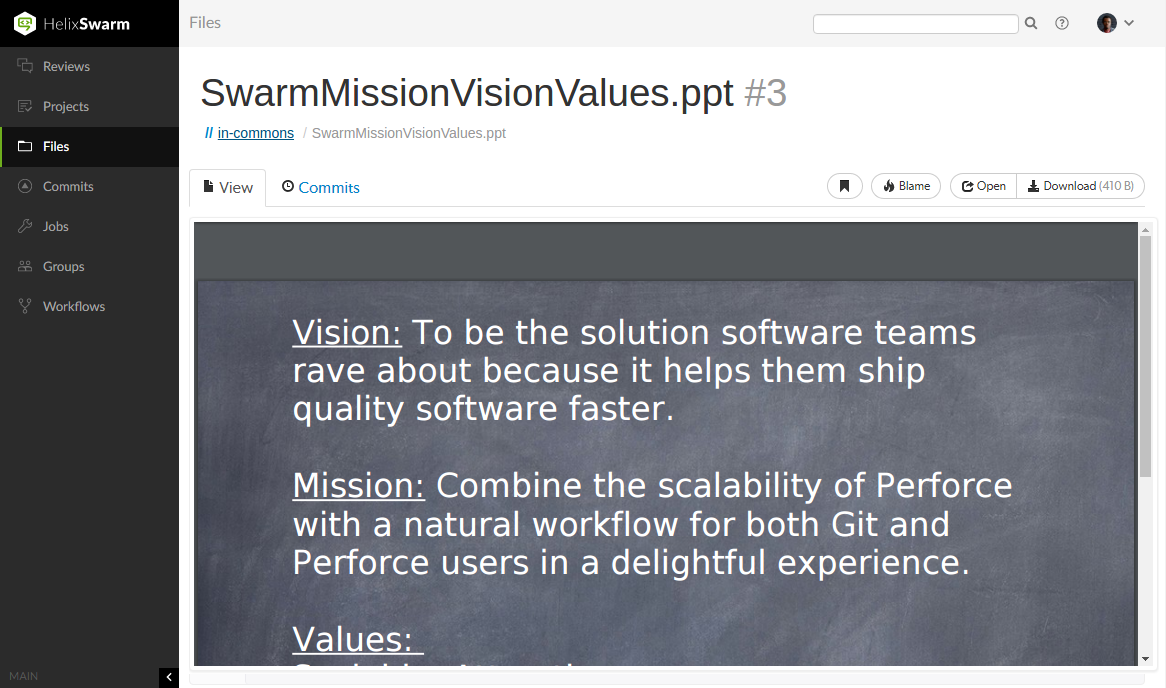
LibreOffice is a free power-packed open source personal productivity suite. When LibreOffice is installed on the server hosting P4 Code Review, P4 Code Review automatically detects its presence and uses LibreOffice to prepare PDF previews of a variety of file types, including:
- Word documents (
.doc,.docx) - PowerPoint presentations (
.ppt,.pptx) - Excel spreadsheets (
.xls,.xlsx) - Visio diagrams (
.vsd) - Rich-text files (
.rtf).
Depending on your server's platform and distribution, LibreOffice may be provided as multiple packages and not all packages may be installed by default. If certain filetypes do not preview as expected in P4 Code Review, you may need to install these optional packages to include all of the file handling capabilities of LibreOffice.
For more information on LibreOffice, see LibreOffice website.
Installation
We recommend that you install LibreOffice from your OS distribution, via apt-get, yum, etc.
The minimal packages, and their transitive dependencies required for P4 Code Review are:
- libreoffice-calc
- libreoffice-draw
- libreoffice-impress
- libreoffice-writer
- libreoffice-headless (RHEL only)
Configuration
LibreOffice preview behavior can be configured in SWARM_ROOT/data/config.php.
'libreoffice' => array(
    'path'          => 'soffice',  // LibreOffice executable.
    'timeout'       => 120,        // Preview conversion timeout (seconds, 0 disables).
    'content_check' => true,       // Validate file content before preview generation.
),
| Parameter |
Default |
Description |
|---|---|---|
|
path |
|
Path to the LibreOffice executable used to generate previews. |
|
|
|
Maximum time, in seconds, allowed for preview generation. Set to 0 to disable the timeout. |
|
|
|
Validates file contents before generating a preview. Files whose contents do not match a supported office document type are rejected. |
Preview security
P4 Code Review includes several protections for LibreOffice document previews:
-
Document contents are validated before being passed to LibreOffice.
-
Preview generation is limited to a configurable timeout.
-
LibreOffice runs with macros disabled.
-
Automatic updates of external document links are disabled during preview generation.
These protections help prevent malformed or unexpected files from affecting document preview generation.
Limitations
The LibreOffice integration has several limitations:
- Document previews in P4 Code Review may appear different than on a desktop system if the document's fonts are not installed on the server hosting P4 Code Review and LibreOffice. In addition, LibreOffice has some limitations rendering Microsoft Office file types, so LibreOffice-generated previews may differ from what you see using Microsoft Office.
-
Large files may require a notable amount of time to preview. Preview generation is limited by the configured in the config.php, to learn more, see LibreOffice preview configuration. If a conversion exceeds the configured limit, preview generation fails and the document remains available for download.
- P4 Code Review is currently not able to detect or show differences in LibreOffice-supported file types.
Unsupported document content
P4 Code Review validates document contents before generating a preview. Files whose contents do not match a supported office document format are not converted. For example, a PDF or image file renamed with an office document extension will not generate a preview.