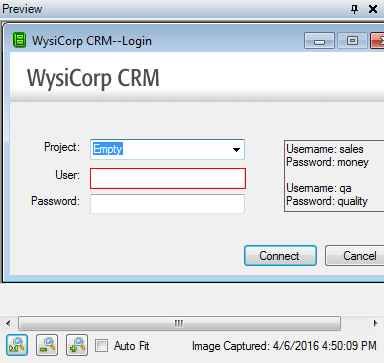
Displays application screenshots captured during playback. When you click a script step in Keyword View or Text View, the control that the action was performed on is highlighted. You can select controls in the Preview pane to quickly locate them in the Application Repository pane.
Note: Click  to zoom in,
  to zoom out, or
  to display the screenshot at actual size. Select Auto Fit to display the entire screenshot.
    |

|