The Product backlog enables you to see and manage backlog items.
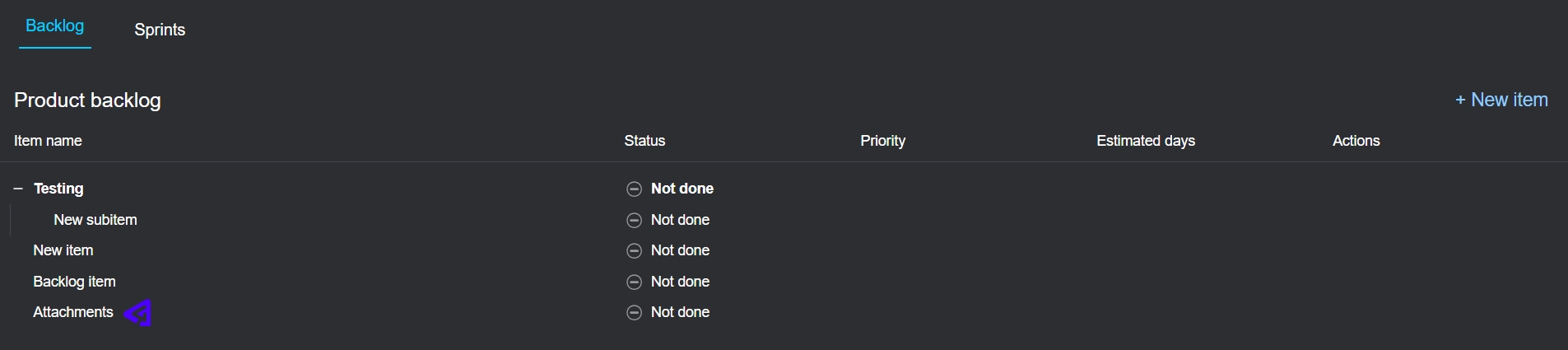
In this view, you can do the following:
- Collapse and expand items to view sub-items.
- View an item's details by selecting on its title. This opens the item details in the sidebar.
- If you are a main manager, you can create a new item by selecting New item.
If you are a main manager or have been delegated, you can hover over the Actions column for each item to perform these actions:
- New item - Creates a new item below the selected item.
- New subitem - Creates a new subitem for the selected item.
- Set color - Opens a color selector where you can choose a color to apply to the item.
- Commit item to a sprint - Opens a drop-down menu, where you can select the sprint to which you want to commit the selected item.
- Open in new tab - Opens the selected item in another browser tab.